Asalaamu Alaykum & Hello,
Below are simple instructions on how you can stop receiving any further notifications from us regarding your SecondWife.com or Polygamy.com account.
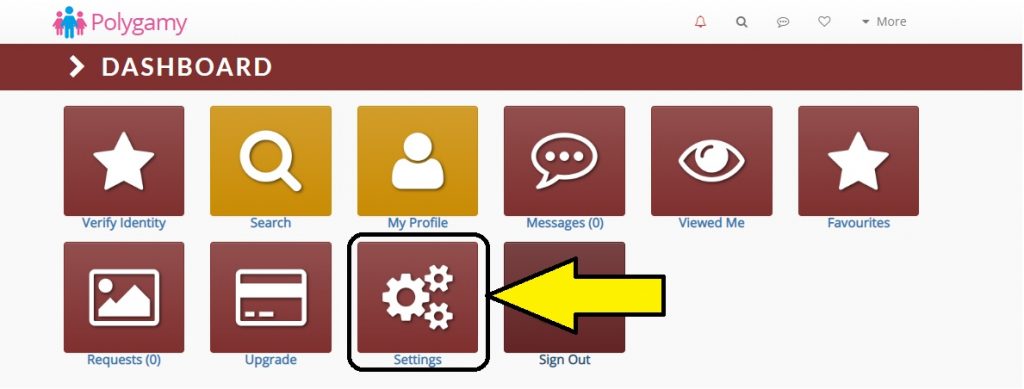
STEP 1: Log into Polygamy.com and click on the “Settings” icon on the main dashboard.
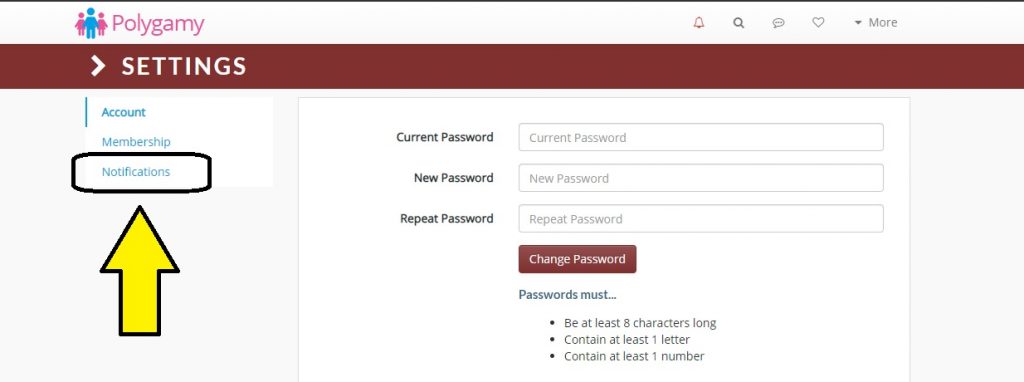
STEP 2: Now on the left-hand menu, click the “Notifications” link.
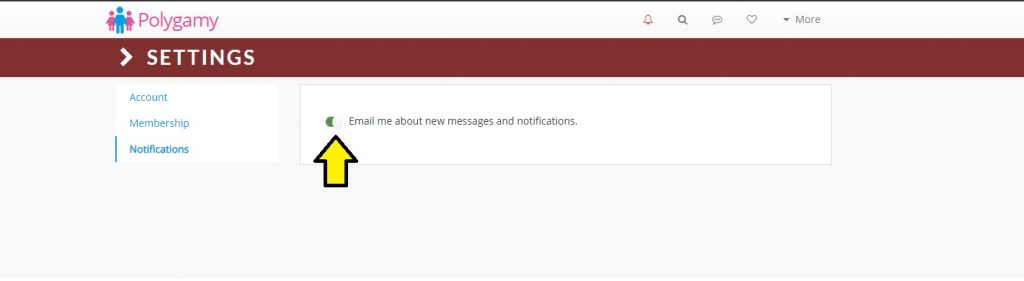
STEP 3: As indicated in the diagram below, toggle the settings button(s) here to activate or cancel site notifications.